

1
Open the TestSprite test plan file
Open the TestSprite test plan file (e.g.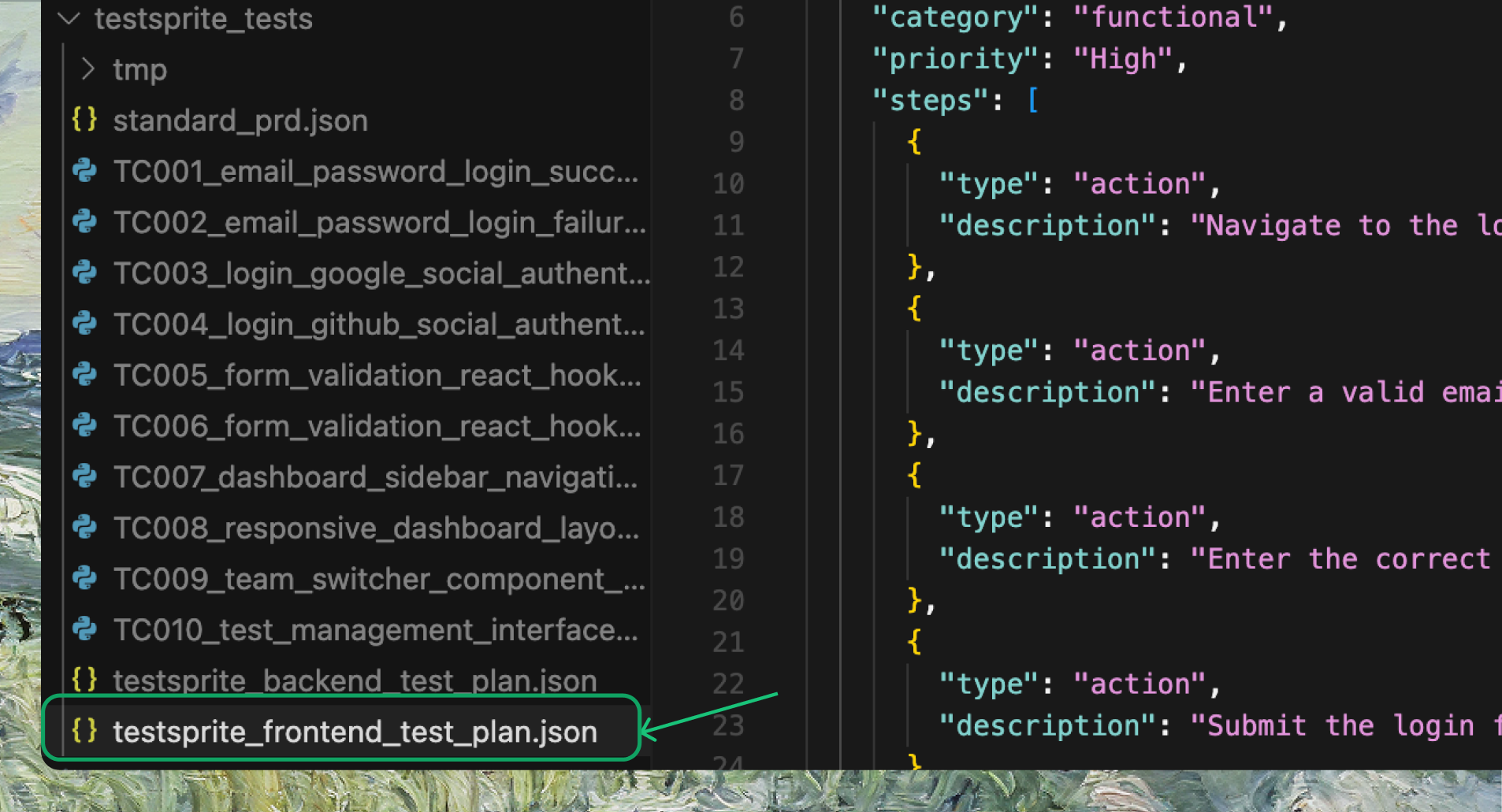
testsprite_frontend_test_plan.json).2
Add new test cases
Append new test cases at the end, following the same format as the existing ones. If you have test cases from another tool or platform, paste them in and make sure they follow the same style.
You can also use AI IDEs like Cursor or Trae to help reformat them to match TestSprite’s standard.
Expandable Test Case Example
3
Prompt your IDE
Once added, prompt your IDE:
Example Prompt
4
TestSprite generates test code
TestSprite will run the
generate_code_execute tool again, generate test code for your new cases, and add them to your project and your TestSprite account.