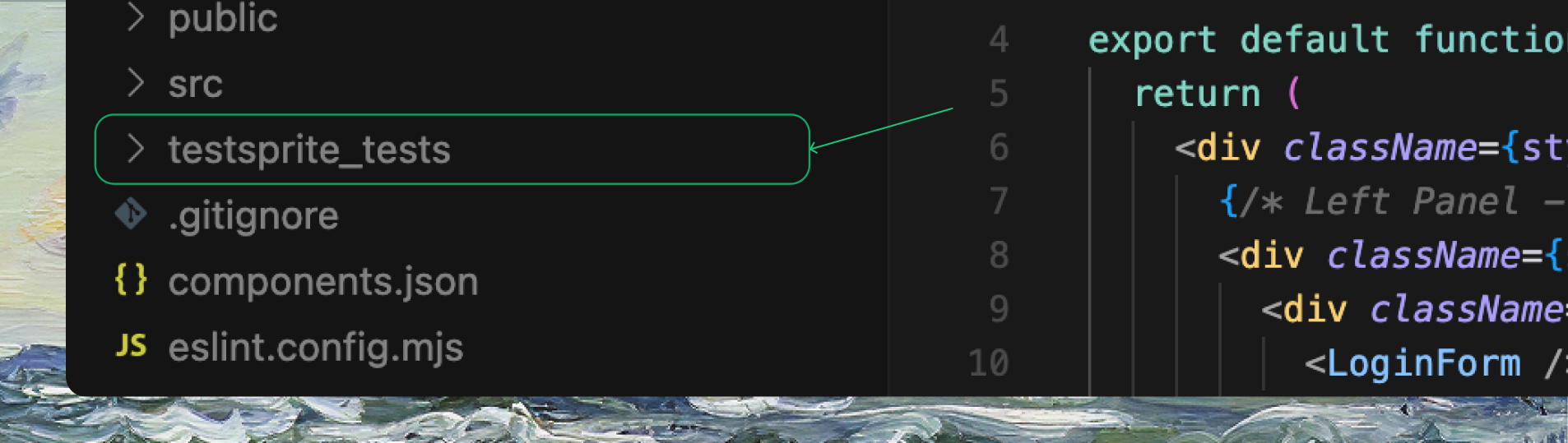
- Regenerate Subset of Test Cases
- Regenerate Entire Project
1
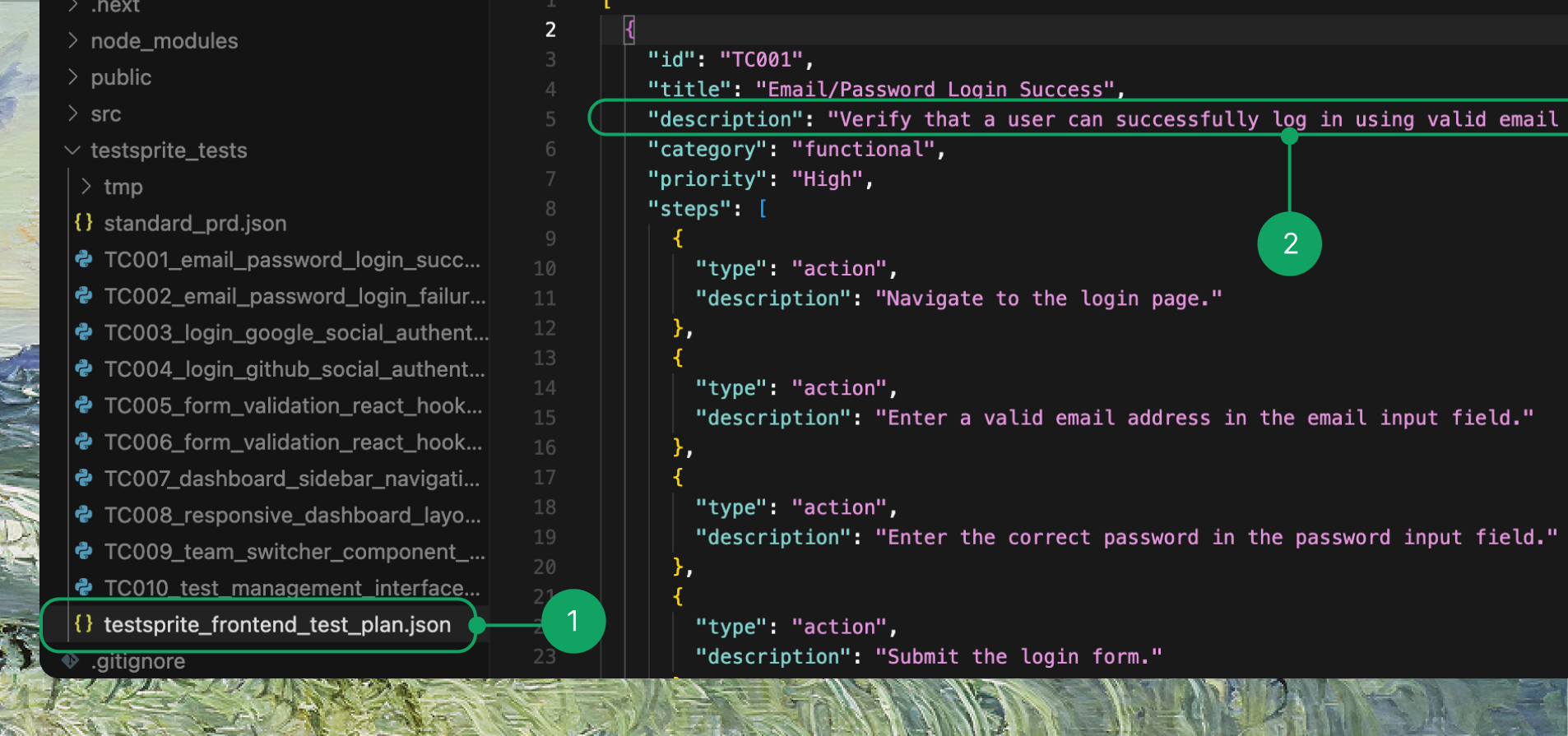
Open your TestSprite test plan file
Open your TestSprite test plan file (e.g.
testsprite_frontend_test_plan.json).2
Edit the test case description
Find the test case you want to change, edit the descriptionand, and save the file ( ). For example:
Before/After Example
3
Prompt in your IDE
Example Prompt
4
TestSprite runs the updated tests
TestSprite will detect your change, update the relevant test code, and run the updated tests automatically.
Key Point: You only need to change the description in the plan. TestSprite handles the rest.