API Rerun confirmation dialog with skip-dependencies option

Three Rerun Surfaces

API testing supports three rerun paths: The API-specific knob is Skip dependencies — covered below.
Auto-Heal does not apply to API testing. Auto-Heal is exclusive to UI tests because UIs drift in ways HTTP APIs don’t. The corresponding Pro feature for backend testing is Auto-Auth — keeping tokens fresh across long-running schedules.

Single Test Rerun

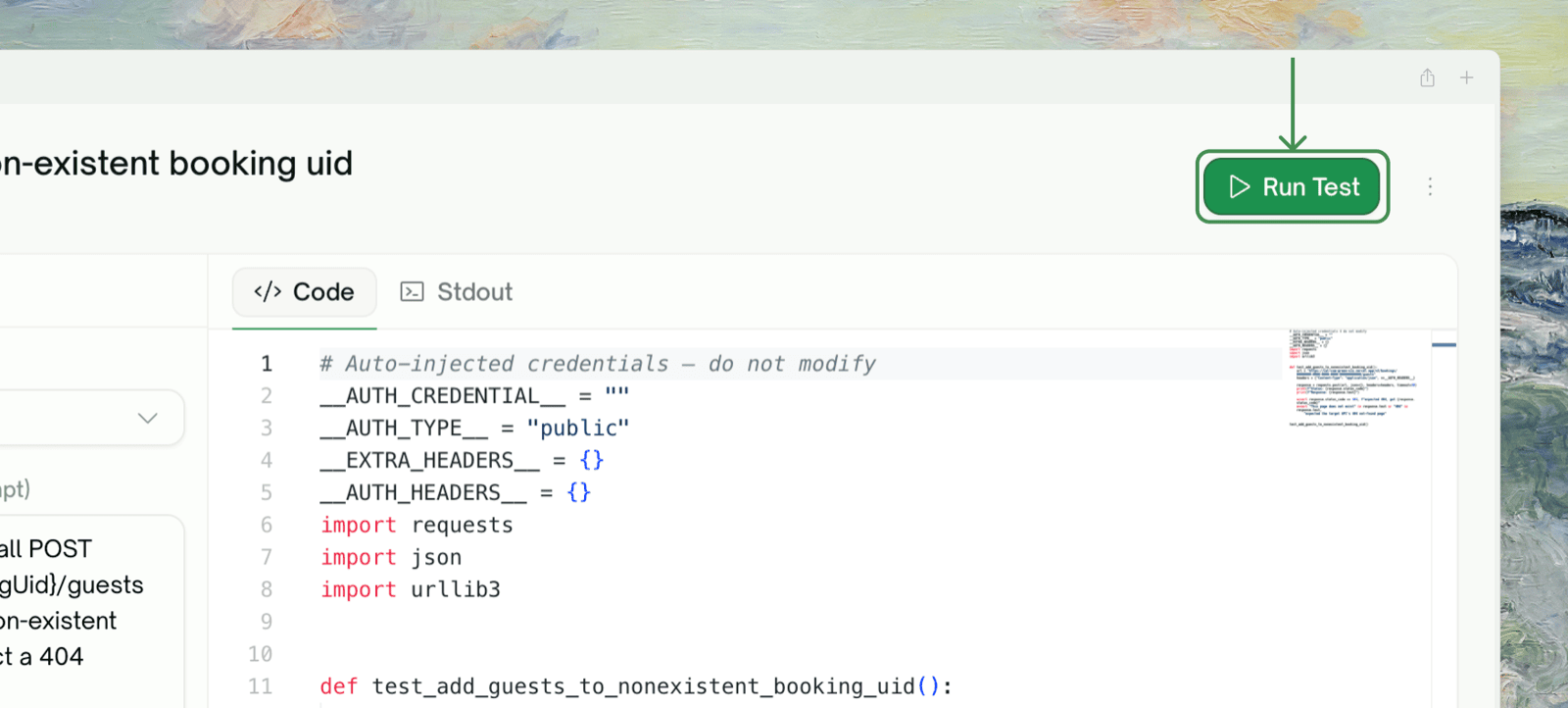
From a test’s detail page, click Rerun. A confirmation dialog opens with one important toggle: Skip dependencies.
API Rerun confirmation dialog with skip-dependencies option

What “Skip dependencies” means

Most API tests in TestSprite have upstream dependencies — variables they consume from earlier tests in a chain. A normal rerun re-runs the producers first, getting fresh captures, then runs the consumer.
API Rerun confirmation dialog with skip-dependencies option
Skip dependencies does only the consumer. The captured values from the previous run are reused — no fresh producer call is made.

When to skip dependencies

Default is “do not skip” — the safer choice. Tick the box deliberately when you’ve thought about it.

Rerun All (Batch)

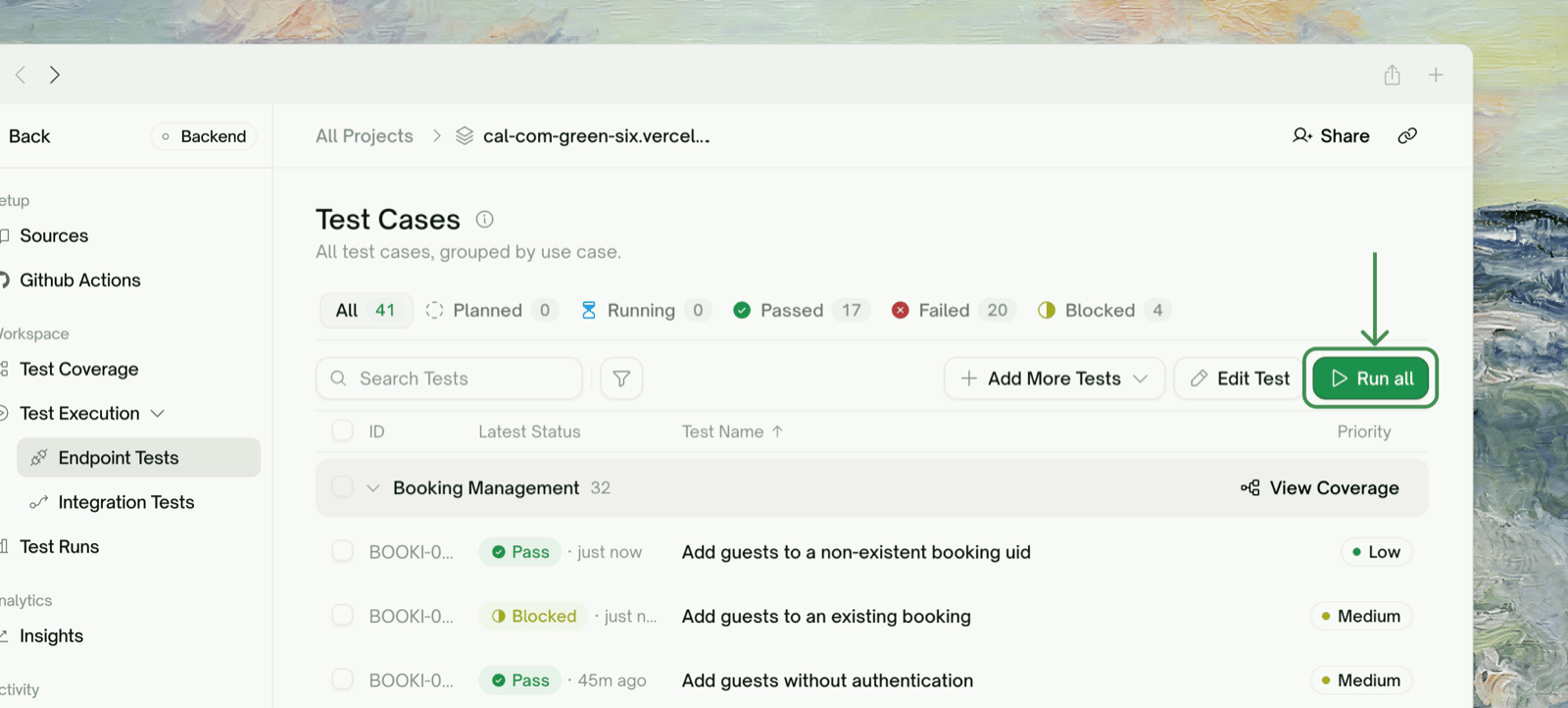
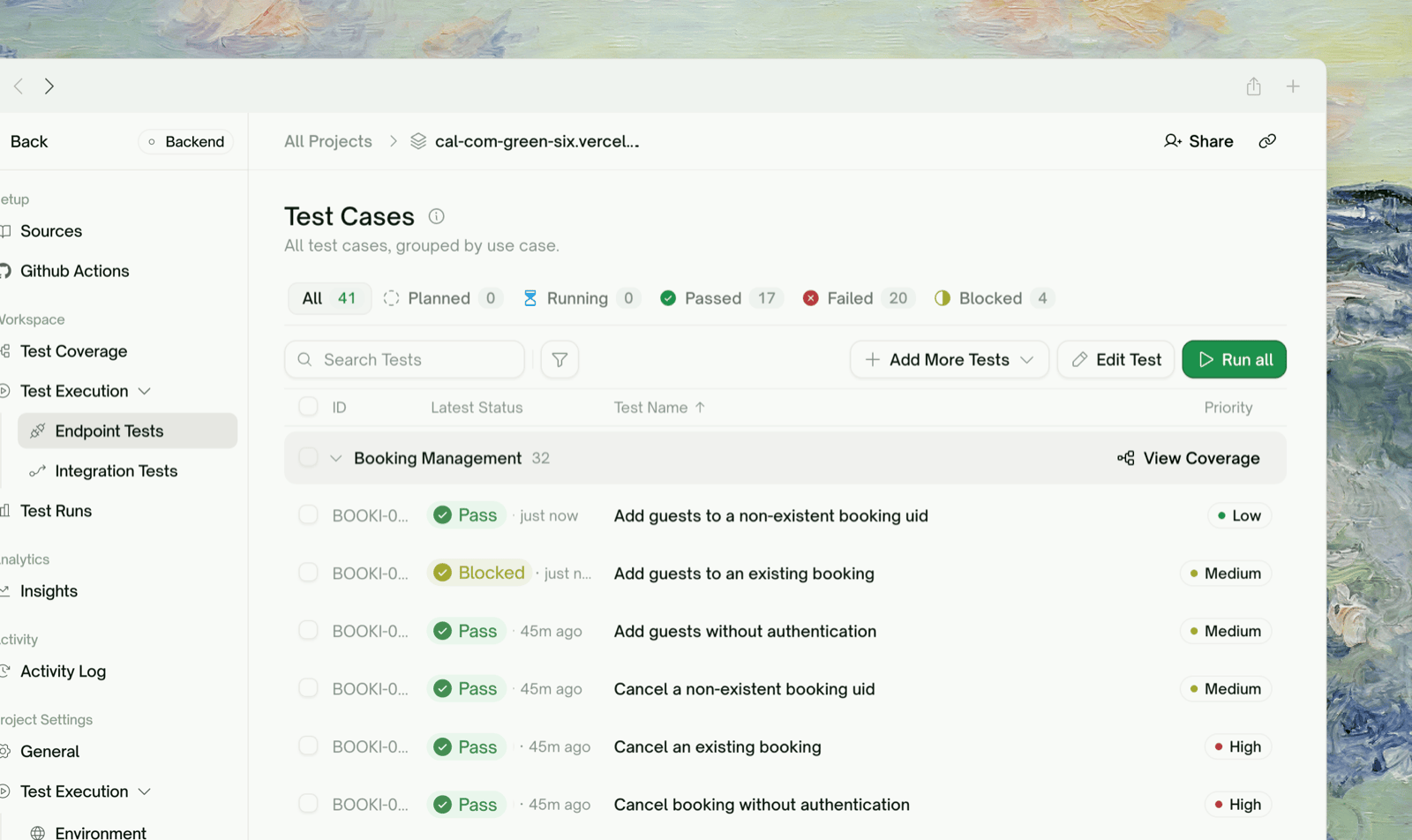
From the project test list, the Rerun all button at the top right re-executes every test in the project. The Skip-dependencies toggle applies project-wide:
API Rerun confirmation dialog with skip-dependencies option
For batch reruns, Skip off is almost always the right choice. The whole point of a batch rerun is to verify the system end-to-end against current state — skipping producers leaves you running consumers against potentially-stale captures.

Scheduled Reruns

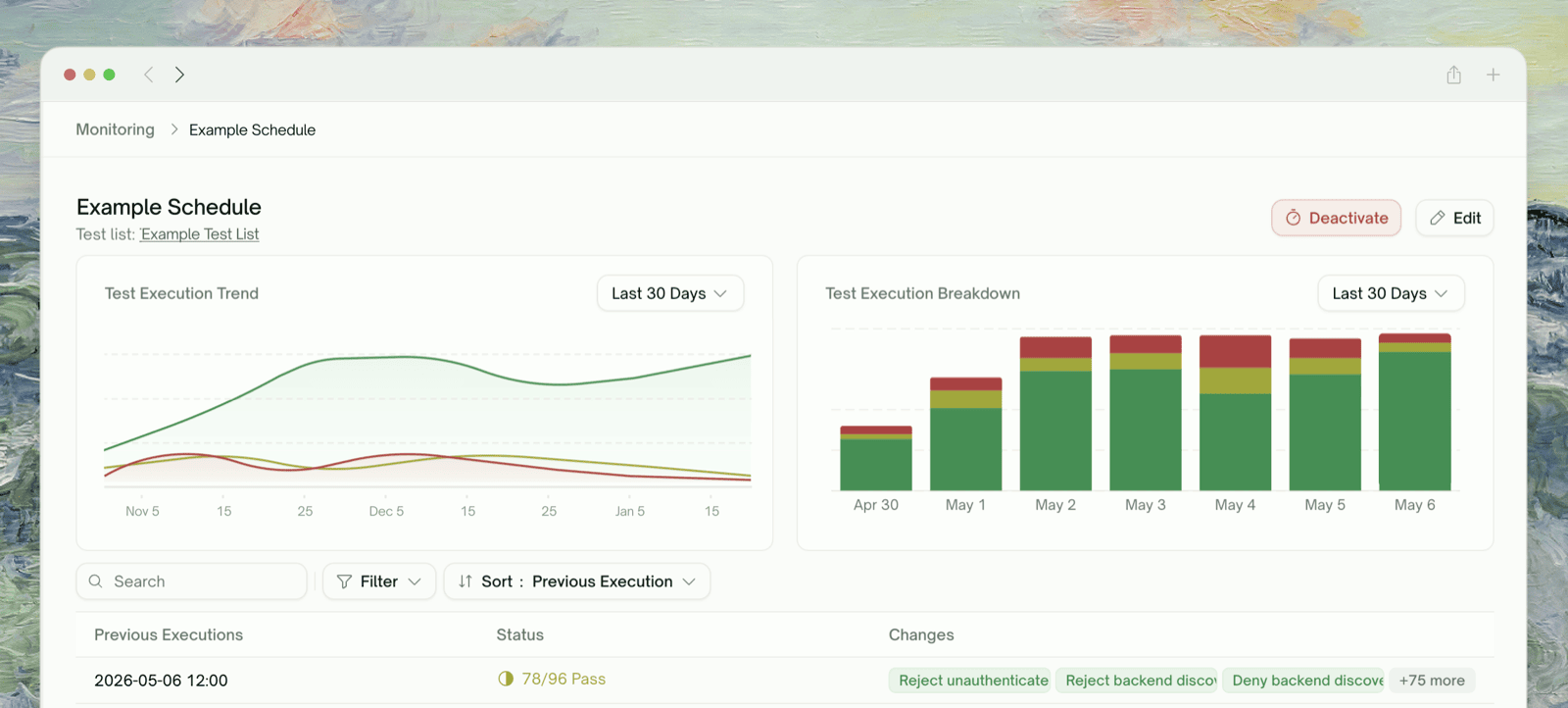
Schedules run on a cadence (daily, weekly, cron expression). For API projects, scheduled reruns:
API Rerun confirmation dialog with skip-dependencies option
  • Run with Skip dependencies = OFF by default (every chain rebuilds)
  • Use Auto-Auth when configured (token-refresh during the run)
  • Trigger Auto Cleanup after the run (so each scheduled run leaves a clean environment)
Schedule creation is on a separate page — see Schedule Monitoring for the configuration flow.

What Happens to Cleanup on Rerun

Every Rerun (single, batch, or scheduled) triggers Auto Cleanup at the end. The DELETE chains rebuild from the captured records of the rerun, not the previous run. If Skip dependencies was ON and a producer didn’t run, the captures from before are still tracked — and cleanup will delete those records. So even Skip-dependencies reruns leave a clean environment.

Cascading: Rerun a Producer = Rerun Its Consumers

If you rerun a producer test (one that captures variables consumed downstream), the rerun automatically cascades to consumers. They’re re-executed with the producer’s fresh captured values. This means:
  • Reruning POST /users (a producer) → automatically reruns POST /orders, GET /orders/, DELETE /orders/
  • Rerunning DELETE /orders/ (a leaf consumer) → only that test reruns; its upstream stays as-is
See Dependency Chains for how producer/consumer relationships are identified.

Rerun Outcomes

After a rerun, the test row updates with the new outcome. The previous run’s data is preserved for Comparing Runs — you can diff “before rerun” against “after rerun” to see exactly what changed.

Free vs Paid

Edge Cases & Troubleshooting

The cached values from the previous run are no longer usable — typically because Cleanup already wiped the records, or enough time has passed that the values are stale. Rerun without Skip dependencies (uncheck the box) to recreate the upstream resources.
The producer you reran has many downstream consumers across multiple chains. If you only want to re-execute one specific consumer, click into that test directly and rerun it (with Skip deps if its captures are still valid).
The test depends on producers that themselves depend on upstream tests. A deep chain means reruns of leaf tests can take several minutes. Use Skip deps if the chain state is intact.
Three causes:
  • Real flake in the API (intermittent issue at your end)
  • Captured state changed (a record was modified between runs)
  • Auth token expired between runs (use Auto-Auth)
Likely the test is still Generating or in an active run. Wait for the row to settle into Idle / Passed / Failed before rerunning.

Where to Go Next

Dependency Chains

Understand cascade order

Auto-Auth (Pro)

Token refresh keeps reruns alive

Comparing Runs

Diff before/after a rerun

Schedule Monitoring

Set up automated reruns on a cadence