Key Features
The API Testing Journey
API Discovery
How TestSprite finds your endpoints from PRD, code, and live probes
Plan Generation & Editing
Review the plan, edit cases, add scenarios in natural language
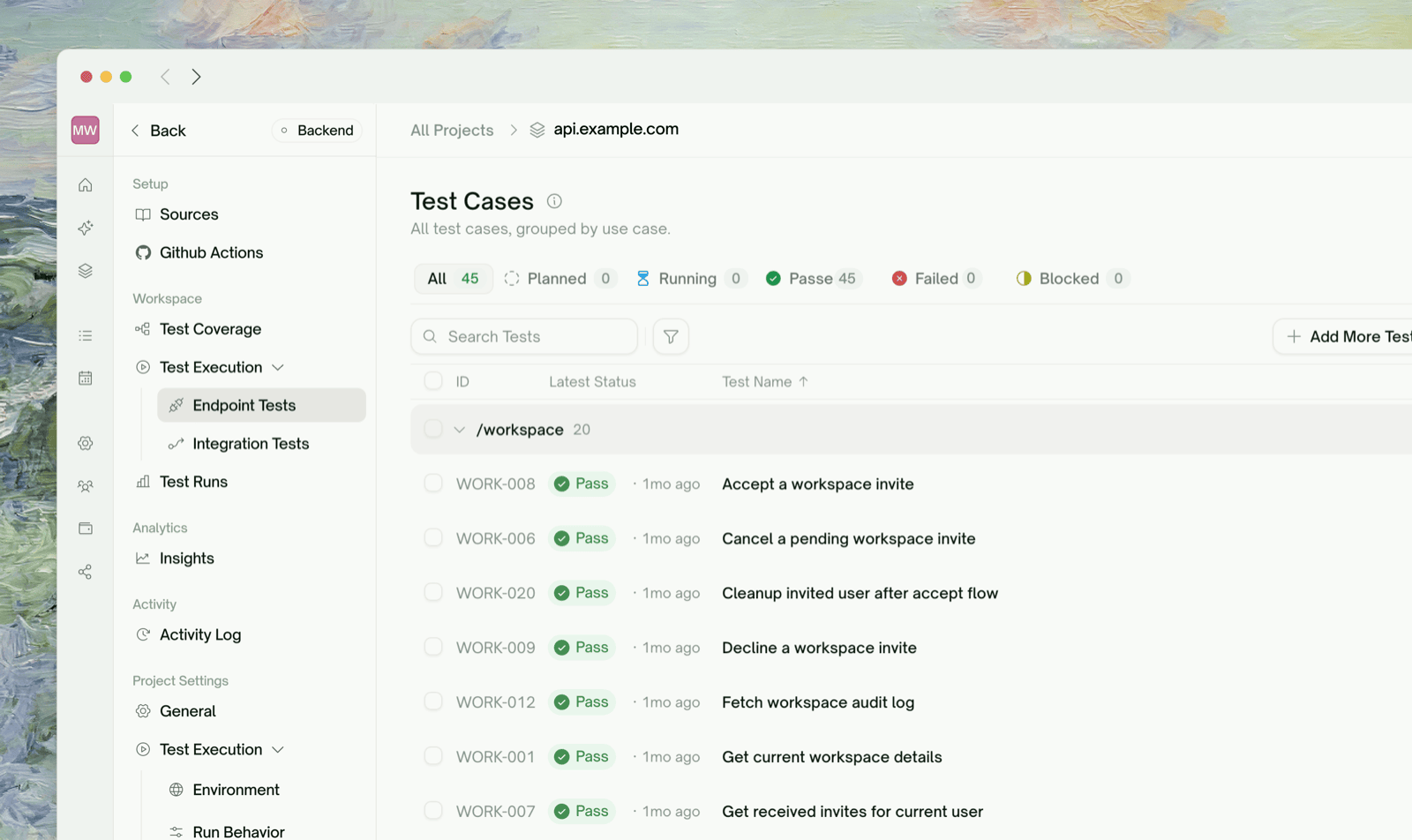
Endpoint Tests
Per-endpoint test generation with verification before tests land in your suite
Integration Tests
Multi-step chains where one step’s output feeds the next
What Lives Where
The Web Portal sidebar for an API project organizes pages by what you’re trying to do, not by chronology. Once a project is set up, you’ll mostly bounce between these:Quick Start
Quickstart
Walk through your first API project end-to-end — from project creation to a passing HTTP suite — in about 10 minutes.
What a Plan Covers
Generated plans group test cases by category — TestSprite picks categories that make sense for your API based on what was discovered. Common ones you’ll see:- Functional / happy path — does each endpoint behave correctly with valid inputs?
- Schema and response validation — does the response shape match what’s expected?
- Authorization & authentication — are protected routes actually protected? token handling correct?
- Error handling & edge cases — malformed inputs, missing fields, boundary values, type mismatches
- Boundary / load — what happens at high request rates or with oversized payloads
- Security probes — privilege escalation, signature tampering, common API attack patterns
Refining Tests in Natural Language
Every test row has a chat affordance. You can say things like:
Frontend’s Sibling Page
If you’re testing a website (UI / browser flows) rather than an HTTP API, the frontend equivalent of this page is UI Testing — Overview. Most of the wizard, refinement, and rerun concepts are mirrored — what changes is the underlying execution model (HTTP calls vs. browser actions).Where to Go Next
API Discovery
Walk through the wizard’s first phase — endpoint extraction
Auto-Auth (Pro)
Stop pasting expiring tokens before every run
Data Flow
Visualize every HTTP call from the most recent run
Subscription Plans
Free includes API testing — paid unlocks Auto-Auth and more