Key Features
The UI Testing Journey
Authentication (UI)
Configure how TestSprite signs in: test account credentials, OTP, or SSO
Feature Exploration
How TestSprite walks your live app to discover what to test
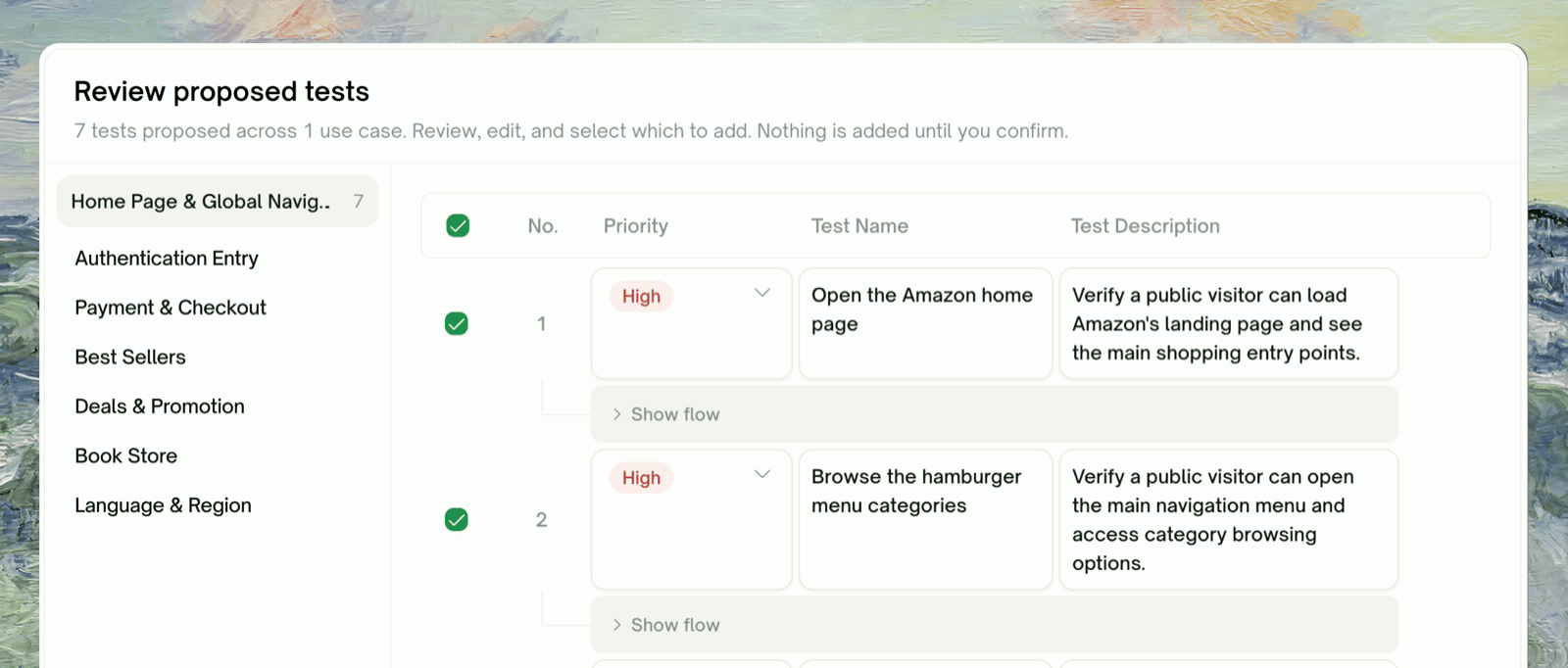
Plan Generation & Editing
Review the plan grounded in observed flows; edit, add, prune
Test Generation & Execution
Python + Playwright code per test case
Step-by-Step Replay
Per-step screenshots, video, and behavior trace for one test
Agent Actions
Every recording from a run, bucketed by status
Edit & Rerun
Re-execute a single test, the whole project, or a scheduled run
Auto-Heal
Recover UI tests when the page changed but the flow is fine
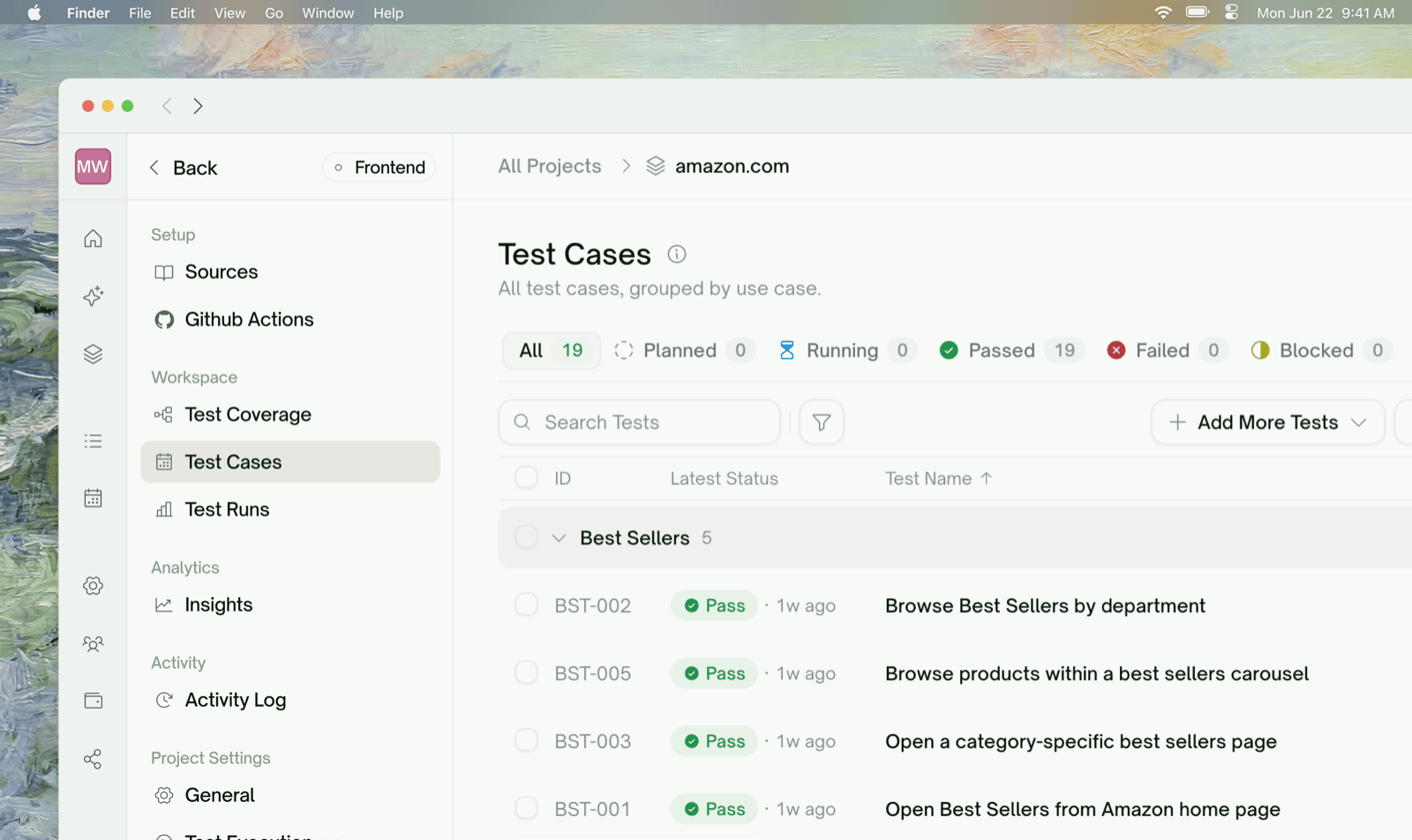
Where Things Live
A UI project’s sidebar is grouped into Setup, Workspace, Analytics, Activity, and Project Settings; see the Test Detail Page for what each item does. Scheduling lives outside the project, under Automation → Test Schedules.Refining Tests in Natural Language
You can refine any test in plain language, by editing its description or asking in Chats. For example: